How to Share a Wishlist With One Link So Friends Can Open It Instantly
Learn how to share a wishlist with one link so friends can open it instantly, with privacy controls and gift reservations that help avoid duplicates.
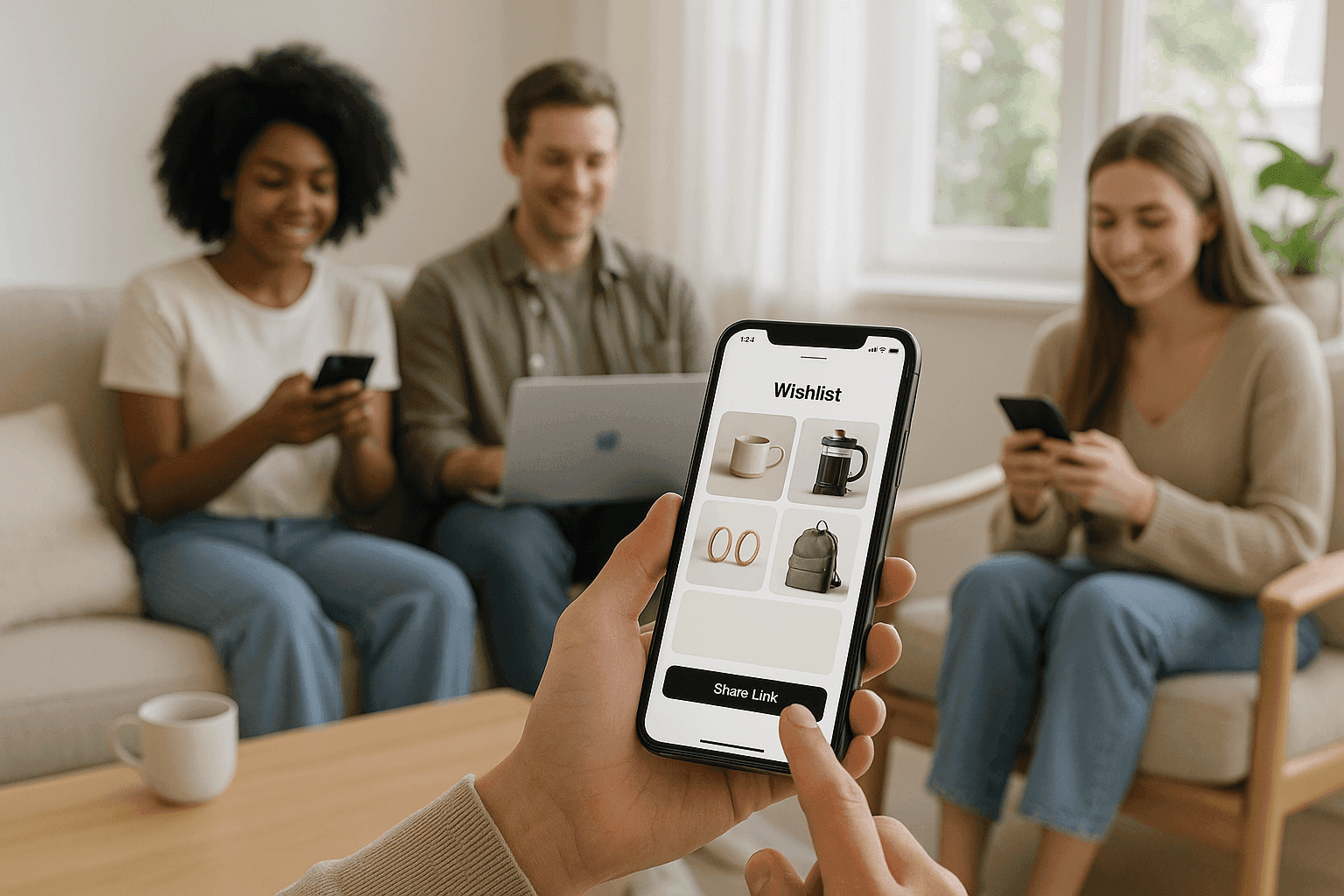
How to Share a Wishlist With One Link So Friends Can Open It Instantly
A wishlist sharing link lets you send one URL that opens your list instantly, so friends and family can view gift ideas without extra explanation. That matters because it removes the back-and-forth of texting suggestions, makes group gifting easier to coordinate, and helps prevent duplicate gifts. It also works well when you want a list that is easy to share but still controlled, whether you prefer public access or invite-only privacy.
Why a one-link wishlist is easier than sending gift ideas manually
When you send a wishlist by link, you replace a scattered message thread with a single destination. That means fewer missed details, less repeating yourself, and a clearer path for the person buying the gift.
A good online wishlist should help other people buy the right gift without guessing your size, color, budget, or preferred store. It should also keep the list in one place so you can share it again later without rebuilding it from scratch.
This matters most when several people may shop from the same list. If you are planning a birthday, a registry, or a friend-group celebration, a clean one-link wishlist is easier to use than a long chat with multiple product screenshots.
How do you send a wishlist by link?
The simplest workflow is straightforward.
- Create the list. Choose a wishlist tool and start a new list for the occasion.
- Add items with links. Save gifts from your favorite shops so each item points to the exact product.
- Add useful notes. Include size, color, or other preferences that reduce guesswork.
- Set privacy. Decide whether the list should be public or private for invited people only.
- Copy the link. Share the wishlist URL through text, email, or chat.
- Send it once. The person receiving it can open the list immediately and see what you want.
This is the core of a send wishlist by link workflow: one URL does the job that used to take several messages. If your list supports reservations, people can mark items as taken so others do not buy the same gift twice.
Can people open the list instantly without making things complicated?
Yes, that is the main benefit of a one link wishlist. A shared link removes a lot of friction because the recipient can open the list right away instead of searching for the right app, account, or message thread.
That makes the experience more practical for everyday gifting. For example, someone can open the link on a phone during a lunch break, check the list, and pick a gift without asking follow-up questions.
A link-based approach is especially useful when you want the person receiving it to act quickly. The less explanation required, the easier it is for them to choose a gift and move on.
Tip: Keep the wishlist link in a pinned chat or bookmarked note so you can reuse it later.
Tip: Add one or two short notes per item, such as size or color, to make the gift easier to buy.
Tip: If several people may shop from the same list, use reservations to help avoid duplicate purchases.
Should your wishlist be public or private?
That depends on who needs access. A public list is easier to share broadly, while a private list is better when only invited people should open it.
For many real-life situations, private sharing is the safer default. A birthday list for close friends, a registry for family, or a group plan for a small event usually does not need to be visible to everyone.
Public sharing can still be useful when you want the link to spread quickly and you do not mind broader visibility. The important part is that you can choose the access level before you send it.
If you are organizing gifts for a child, partner, or family member, private access often keeps the process cleaner. If you are sharing ideas with a wider circle, public access can make the link easier to pass around.
What makes gift reservations useful in a shared wishlist?
Gift reservations help people coordinate without stepping on each other’s toes. When someone reserves an item, others can see that it is already being handled, which lowers the chance of duplicate gifts.
That is especially helpful when the list includes a few highly desired items or when several people may shop from the same family list. Instead of sending follow-up messages like “Did anyone already buy this?”, the list itself handles the coordination.
Reservations also make a wishlist feel more complete. People can still see the full set of ideas, but the buying process is cleaner because the status of each item is easier to manage.
What should you include on a wishlist so people can actually use it?
A useful wishlist is more than a pile of product links. It should give the buyer enough context to make a confident choice.
Good items usually include:
- A direct product link so the gift can be found quickly.
- A note on size, color, or version when the exact choice matters.
- A short explanation of priority if one item is more important than another.
- A mix of price points so different people can participate comfortably.
This approach works for many occasions, from birthdays to registries to group plans. For example, one person may add a practical item under a modest budget, while another person may save a bigger wish for a special milestone.
Key takeaways
- One link is simpler. A single URL is easier to send, open, and reuse than repeated product suggestions.
- Privacy still matters. You can choose public access for broad sharing or private access for invited people only.
- Reservations reduce confusion. Marking items as taken helps prevent duplicate gifts when multiple people shop from the same list.
- Better details lead to better gifts. Notes on size, color, or version help the buyer choose with confidence.
- The best wishlist is easy to act on. If someone can open it instantly and understand it quickly, they are more likely to use it.
Create a wishlist people can open in seconds
If you want a simple wishlist sharing link with privacy controls and gift reservations, try Create Wishlists. It is built for quick sharing, so you can send one link and let people open the list without extra explanation.
FAQ
Here are the answers people usually want before they send a wishlist by link.
How do I copy a wishlist link?
Open your list, copy the share URL, and send it through text, email, or chat. The goal is to give people one place to open instead of asking them to hunt through messages.
If you plan to use the link more than once, save it in a pinned conversation or notes app so you can find it again quickly.
Is a private wishlist better than a public one?
A private wishlist is usually better when only certain people should see it. A public wishlist is better when you want easy sharing and do not mind broader visibility.
The right choice depends on the occasion and who is buying the gift.
How do gift reservations help?
Reservations show that an item is already being handled, which makes it easier for other people to choose something else. That is one of the simplest ways to keep a shared gift list organized.
It is especially useful when several people are shopping from the same wishlist at the same time.
What kinds of occasions work best for one-link wishlists?
Birthdays, registries, and friend-group plans fit naturally because they often involve more than one buyer or more than one gift idea. A single link makes those situations easier to coordinate.
You can also use the same approach for milestone events, such as anniversaries or baby registries, when people need a clear place to view and reserve gifts.
This article was drafted with AI assistance and checked through automated source and evidence review before publication. Images are generated with AI.
Make your list easier to share
Collect wishes, keep gift ideas in one place, and help friends avoid duplicates.
Read next
More practical ideas for smoother gifting.
What to Put on a Wishlist When You Want to Share It With Family and Friends
A practical guide to what belongs on a shareable wishlist, including what to include, how to share it with family, and how to avoid duplicate gifts.
Public vs Private Wishlists: Which Visibility Setting Should You Use?
A clear guide to public vs private wishlists, with simple examples to help you choose the right visibility setting for birthdays, registries, and small-group plans.

How to Plan a Group Gift Wishlist Without Confusing the Whole Friend Group
The site says gift reservations make it safer from duplicate gifts.