What to Look for in a Wishlist App: The Features That Make Gift Planning Easier
Before choosing a gift wishlist app, consider who will use it, where you want to add items from, and whether your group needs to avoid duplicate gifts.
What to Look for in a Wishlist App: The Features That Make Gift Planning Easier
The most useful wishlist app features are simple item adding, flexible sharing, privacy controls, and gift reservations. Together, these can help you turn scattered gift ideas into a list people can act on. Before choosing a gift wishlist app, consider who will use it, where you want to add items from, and whether your group needs to avoid duplicate gifts.
Which wishlist app features matter most?
Start with the tasks you need the tool to handle. A list that is easy to create but awkward to share may not help your gift group; a polished interface matters less if the app does not fit the way you shop or give.
A useful evaluation starts with four questions:
- Can you add the things you want? Look for a practical way to save products and gift ideas without creating extra work.
- Can the right people see the list? Check how the list is shared and whether you can choose who opens it.
- Can gift-givers coordinate? Reservations can signal that an item is already being handled.
- Does it fit the occasion? A birthday list, family registry, or group gift plan may call for different kinds of sharing.
Tip: Write down the one problem you most want to solve—finding gift ideas, sharing them, or coordinating purchases—before comparing tools. It makes feature lists easier to judge.
Can you add items from different shops?
If your gift ideas come from different retailers, check whether the online wishlist tool lets you add products from more than one shop.
Some wishlist guides warn that a list tied to one retailer can limit where you add items. A universal or cross-store approach may suit you better if you browse across shops; if you mainly shop in one place, a simpler single-store list may be enough.
Create Wishlists lets you add items from favorite shops, and its baby registry page describes adding items from any store. Check that the product links you add are clear enough for a gift-giver to identify the intended item.
How should sharing and privacy work?
Think about who needs access and how you will send the list. A single shareable link can be convenient for a family group, while invite-only access may be a better fit when you want to limit who can open it. The important point is to check the access options before adding personal details or sending a list widely.
Create Wishlists offers a choice between public lists and private lists for invited people, and it describes sharing a wishlist with one link. That combination can suit different situations: a public birthday list that is easy to pass along, or a private list shared with a smaller group.
Tip: Before sharing, open the list’s access settings and confirm that the audience matches your intention. Then send the link with a short note about the occasion and any helpful context.
Do gift reservations help prevent duplicate presents?
If several people are buying for the same recipient, look for a reservation feature. It gives gift-givers a way to indicate that an item is being purchased, helping others see that it may already be covered.
Create Wishlists includes gift reservations and presents them as a way to avoid duplicate gifts. Giftster’s family comparison also describes reservations as a way for family members to indicate that an item is being purchased.
Which gift wishlist app is the best?
There is no single best gift wishlist app for every person. Choose by matching the features to your actual use: an individual list may need easy adding and sharing, while a family list may also need reservations and clear access controls. If you are organizing a gift exchange, check whether the tool offers the specific group-planning features you need rather than assuming every wishlist app handles them.
Also consider whether the people receiving your link can use it comfortably. A feature is only useful to your group if list creators and gift-givers understand how to use it.
For a practical comparison, try creating a sample list with a few items, then check how it looks to someone opening the share link.
How to evaluate an online wishlist tool
Use this short checklist when comparing an online wishlist tool. Focus on the tasks you expect to do, not on a long list of features you may never use.
- Choose a real occasion. Picture a birthday, holiday, anniversary, or registry you are planning. Create Wishlists presents its lists as suitable for any occasion, and its pages include anniversary and baby-registry examples.
- Try adding a few items. Include products from the kinds of shops you normally browse. Check whether the list gives gift-givers enough information to identify what you mean.
- Test the sharing route. Decide whether you want a shareable link, a public list, or a list restricted to invited people. Check the settings before sending the list.
- Check group coordination. If several people may buy gifts, see whether they can reserve items and understand what a reservation means.
- Review the recipient’s view. Ask whether someone opening the list can quickly understand the occasion and the choices. If the list feels confusing, simplify it before sharing.
- Make a decision based on your must-haves. If cross-shop additions, private sharing, or gift reservations are essential, verify those specific features rather than choosing based on a general promise of convenience.
Tip: For a group gift, agree on who will reserve the item and when. A simple shared convention can make a reservation feature easier for everyone to interpret.
Does one wishlist work for every occasion?
A flexible wishlist can be useful across different kinds of gifting, but the way you share it may change with the occasion. For a birthday, you might send a list to relatives and friends; for a family registry, you may want a more structured set of needs; for a friend-group plan, the main priority could be coordinating who is buying what.
Create Wishlists describes its lists as suitable for any occasion and names birthdays, registries, and friend-group plans as examples. Its anniversary page invites people to share a list with a partner or family, while its baby registry page is framed around sharing needs with friends and family.
Before you make a list, decide whether it is for one person, a couple, a family, or a larger group. That choice can guide how much context to add and whether a public link or invite-only access is more appropriate.
Key takeaways
- Start with your use case. The right features depend on whether you are making a personal list, a family registry, or a group plan.
- Check item adding. Create Wishlists lets you add items from favorite shops.
- Match sharing to your audience. Create Wishlists offers public lists and private lists for invited people.
- Look for group coordination. Create Wishlists includes gift reservations intended to help avoid duplicate gifts.
- Test the experience. Try the list and sharing route before depending on them for an occasion.
Try a wishlist for your next occasion
If you want a list you can share with friends or family, try Create Wishlists. Add gift ideas, choose who can open the list, and use reservations to help your group coordinate gifts.
FAQ
Which gift wishlist app is the best?
The best option depends on which features your group needs and will use. Compare item adding, sharing, access controls, and reservations against your intended occasion.
Can I add products from more than one store?
Check whether the specific tool supports the shops you use. Create Wishlists lets you add items from favorite shops, and its baby registry page describes adding items from any store.
What is a gift reservation?
It is a way for someone in the gift group to indicate that they are handling an item. Create Wishlists includes gift reservations to help prevent duplicate gifts.
Can I make a private wishlist?
Yes. Create Wishlists offers private lists for invited people, as well as public lists for easier sharing.
This article was drafted with AI assistance and checked through automated source and evidence review before publication. Images are generated with AI.
Make your list easier to share
Collect wishes, keep gift ideas in one place, and help friends avoid duplicates.
Read next
More practical ideas for smoother gifting.
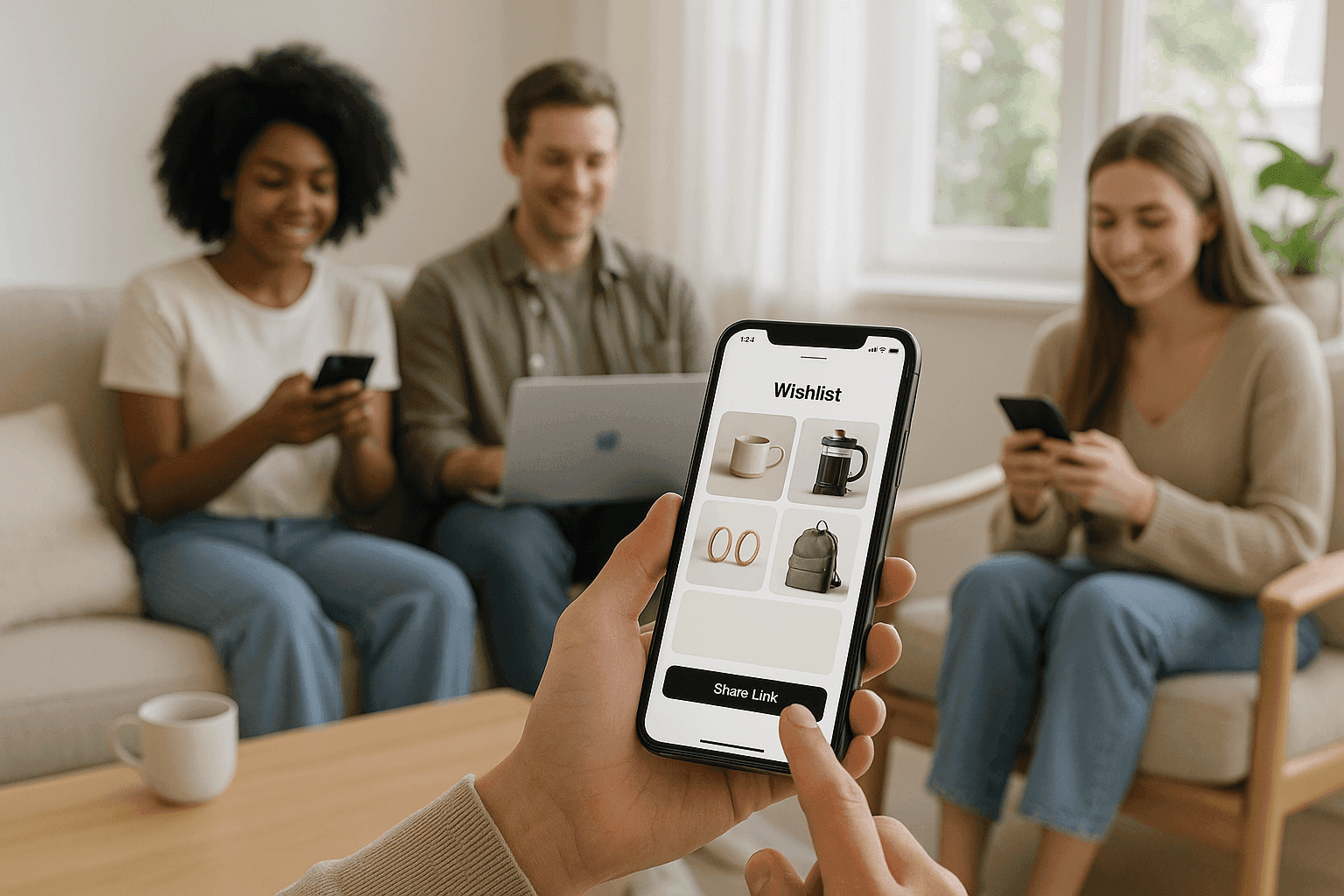
How to Share a Wishlist With One Link So Friends Can Open It Instantly
Learn how to share a wishlist with one link so friends can open it instantly, with privacy controls and gift reservations that help avoid duplicates.
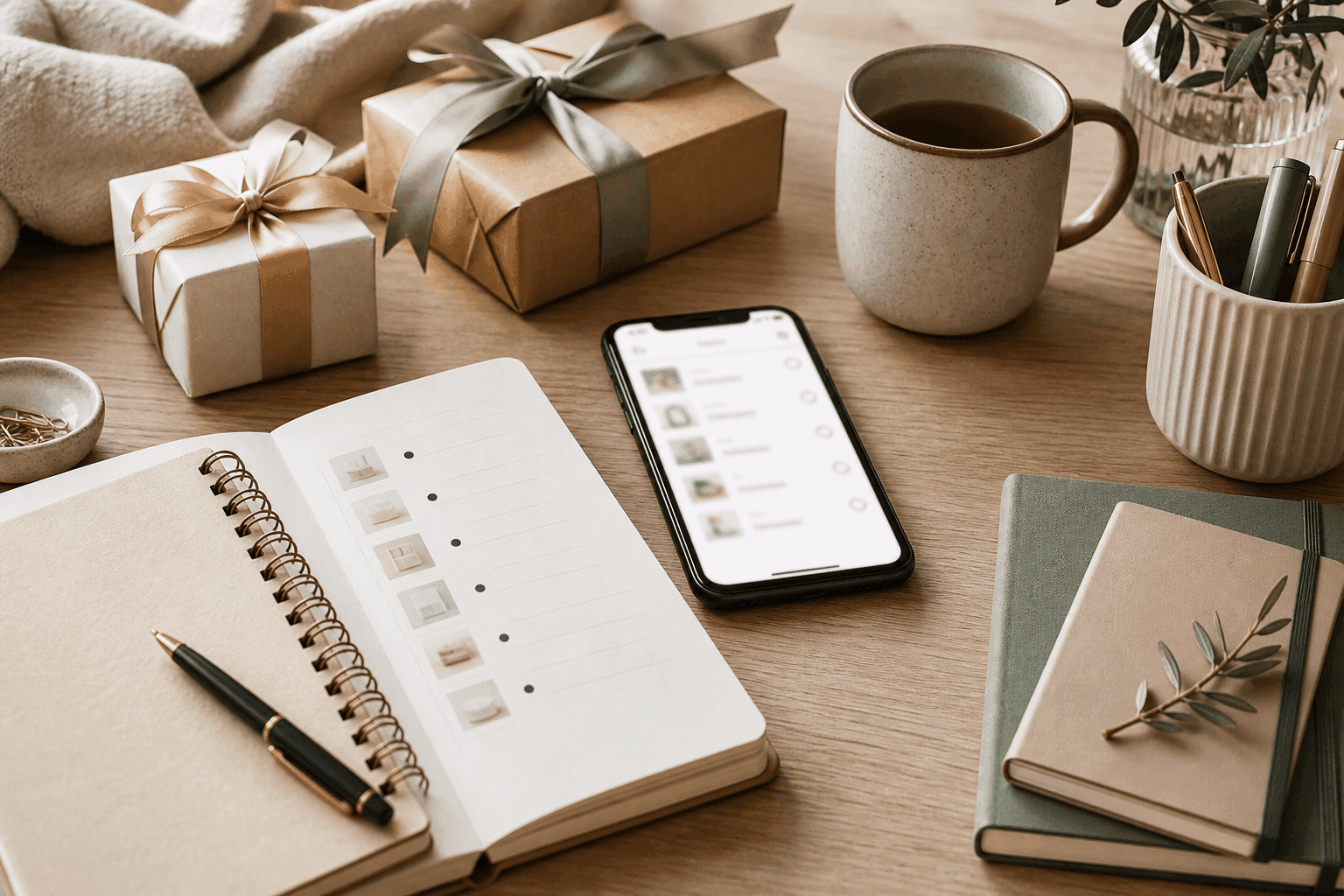
What to Put on a Wishlist When You Want to Share It With Family and Friends
A practical guide to what belongs on a shareable wishlist, including what to include, how to share it with family, and how to avoid duplicate gifts.
Public vs Private Wishlists: Which Visibility Setting Should You Use?
A clear guide to public vs private wishlists, with simple examples to help you choose the right visibility setting for birthdays, registries, and small-group plans.