What to Put on a Wishlist When You Want to Share It With Family and Friends
A practical guide to what belongs on a shareable wishlist, including what to include, how to share it with family, and how to avoid duplicate gifts.
What to Put on a Wishlist When You Want to Share It With Family and Friends
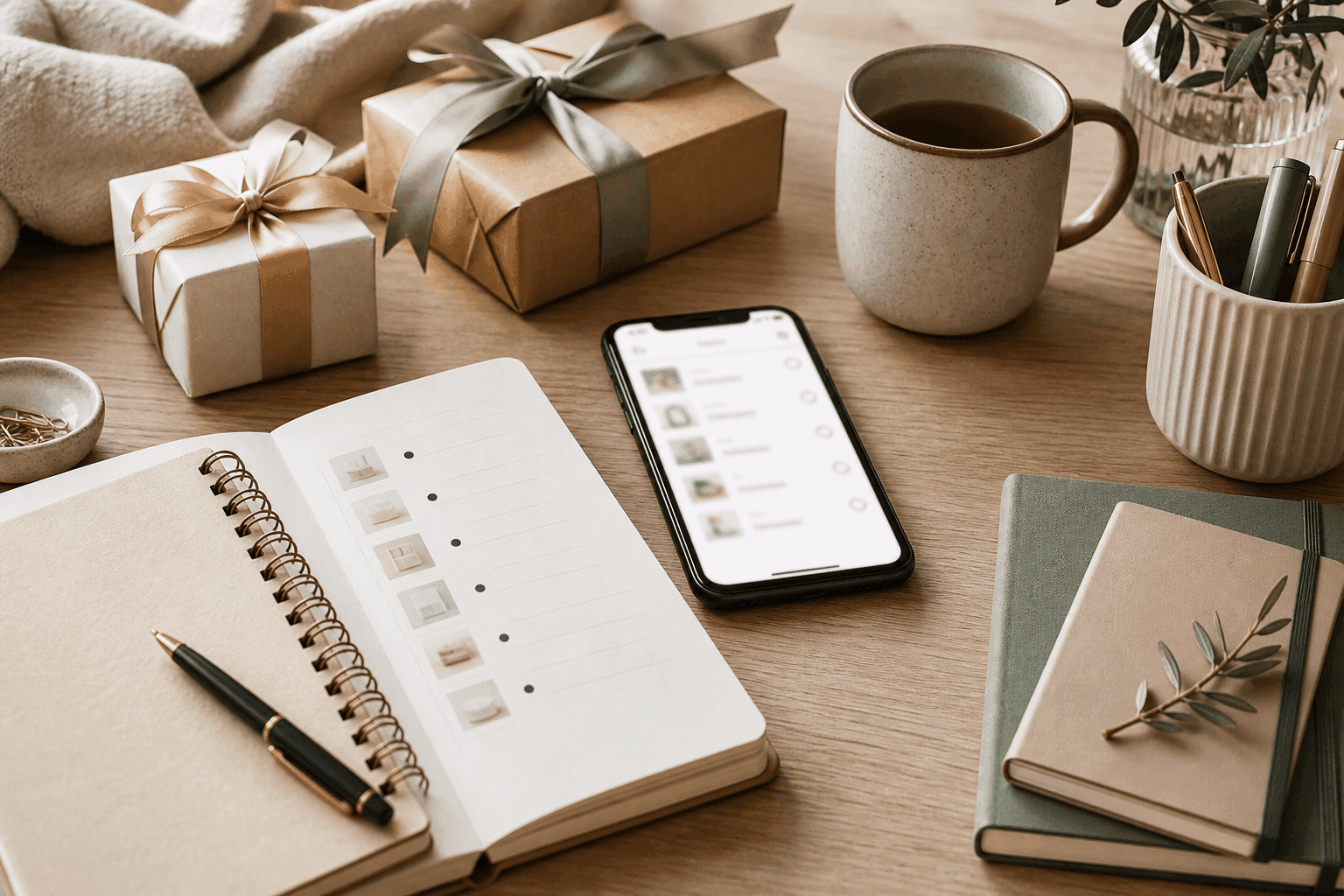
A shareable wishlist works best when it includes clear gift ideas, a simple way to share one link, and a choice between public or private access. That matters because family and friends can see the same list, and the person organizing gifts can make reservations to help avoid duplicate gifts. It also helps when the list is meant for birthdays, registries, or friend-group plans.
What should you put on a wishlist for family and friends?
The most useful shared wishlist items are the ones that give family and friends a place to start. Common examples include books, clothing, gadgets, experiences, and activities.
If you want the list to reflect your interests, you can also include equipment or tools. That works especially well when the gift connects to a hobby, interest, or passion.
A practical wishlist for relatives often includes a mix of:
- Small items that are easy to buy individually
- Mid-range items that a person or couple could choose on their own
- Experience ideas that feel personal without being hard to shop for
The goal is not to make the list complicated. It is to give people enough clarity that they can pick something from the list and know it fits the occasion.
How do you share gift ideas without making it awkward?
A straightforward way to share gift ideas is to send one link. The homepage language emphasizes that a wishlist can be shared in seconds, with no explanation needed.
You can also choose who can open the list. A public list is positioned for easy sharing, while a private list is for invited people only.
Tip: If you are sharing with a wider group, one link keeps everyone looking at the same list.
Tip: If you are sharing with close family, a private list can help you limit access to invited people only.
Tip: When you want to keep the message simple, a short note plus the link is usually enough.
How to make a gift list for relatives that feels natural
If you are building a gift list for relatives, keep the structure simple and easy to scan. The product is framed for birthdays, registries, and friend-group plans, so those are natural ways to organize the list.
- Choose the occasion. Use the list for a birthday, registry, or group plan.
- Add items from your favorite shops. The product lets you add items from shops you already like.
- Pick a few clear gift ideas. Include items people can understand quickly.
- Leave room for sharing. Keep the list easy to pass along with one link.
- Use reservations if needed. That can help when more than one person may shop from the same list.
A short list can still be useful. What matters is that the items are specific enough for relatives and friends to use without guessing.
Which wishlist features help with duplicate gifts?
Gift reservations are the feature most directly tied to avoiding duplicate gifts. The homepage says you can make gift reservations and be safe from duplicate gifts.
That is helpful when several friends or relatives are shopping from the same list. It gives the group one shared place to work from instead of relying on separate messages or notes.
The more visible the shared list is to the people buying gifts, the easier it is for them to coordinate around the same items. That is why one shared wishlist can be more practical than a loose collection of messages.
What kinds of items are easiest to share with friends and family?
Items that are easy to share are usually the ones people can picture clearly. Books, clothing, gadgets, experiences, and activities all fit that pattern.
Experiences and activities can be especially useful if you want your list to feel personal. Equipment or tools can also make sense when you want friends and family to support something you care about.
A balanced list might include:
- One or two practical items that are easy to buy
- One or two interest-based items that reflect your hobbies
- One experience idea for someone who wants to give something less traditional
Why use Create Wishlists for a shareable list?
Create Wishlists is built to help you create wish lists for any occasion, add items from your favorite shops, share them with friends and family, and make gift reservations. It also lets you choose who can open the list.
That makes it a practical option when you want a wishlist that is easy to send and simple for others to use. The same setup works for birthdays, registries, and group plans.
Key takeaways
- Start with clear gift ideas. Books, clothing, gadgets, experiences, activities, and tools are all supported examples for a shareable wishlist.
- Use one link when you share. The product is designed so you can send a wishlist in seconds without extra explanation.
- Match access to the audience. A list can be public for easy sharing or private for invited people only.
- Use reservations for coordination. Gift reservations are meant to help reduce duplicate gifts.
- Fit the list to the occasion. Birthdays, registries, and friend-group plans all fit naturally.
Try Create Wishlists
If you want a simple way to organize gift ideas and share them with the people who need them, try Create Wishlists. It gives you a place to add items, share one link, choose who can open it, and make gift reservations.
FAQ
Common questions about a shareable wishlist usually come down to what to include, how to send it, and how to keep it organized.
What should I put on a wishlist if I do not know what I want?
Start with broad but clear categories such as books, clothing, gadgets, experiences, activities, and tools. Those give family and friends something concrete to choose from, even if your list is still short.
If you are unsure, it is fine to keep the list simple and add more later.
How do I send a wishlist to family?
You can send one link so everyone is looking at the same wishlist. If you want more privacy, use a private list for invited people only; if you want simpler sharing, use a public list.
That keeps the message short and makes it easier for family to open the list quickly.
How can I avoid duplicate gifts?
Use gift reservations so people can coordinate around the same list. The feature is presented as a way to help keep duplicate gifts from happening.
This is especially useful when more than one person in the family may want to buy from the same wishlist.
Should my wishlist be public or private?
Either option can work. A public list is positioned for easy sharing, while a private list is for invited people only.
Choose the setting that matches the people you want to share with.
This article was drafted with AI assistance and checked through automated source and evidence review before publication. Images are generated with AI.
Make your list easier to share
Collect wishes, keep gift ideas in one place, and help friends avoid duplicates.
Read next
More practical ideas for smoother gifting.
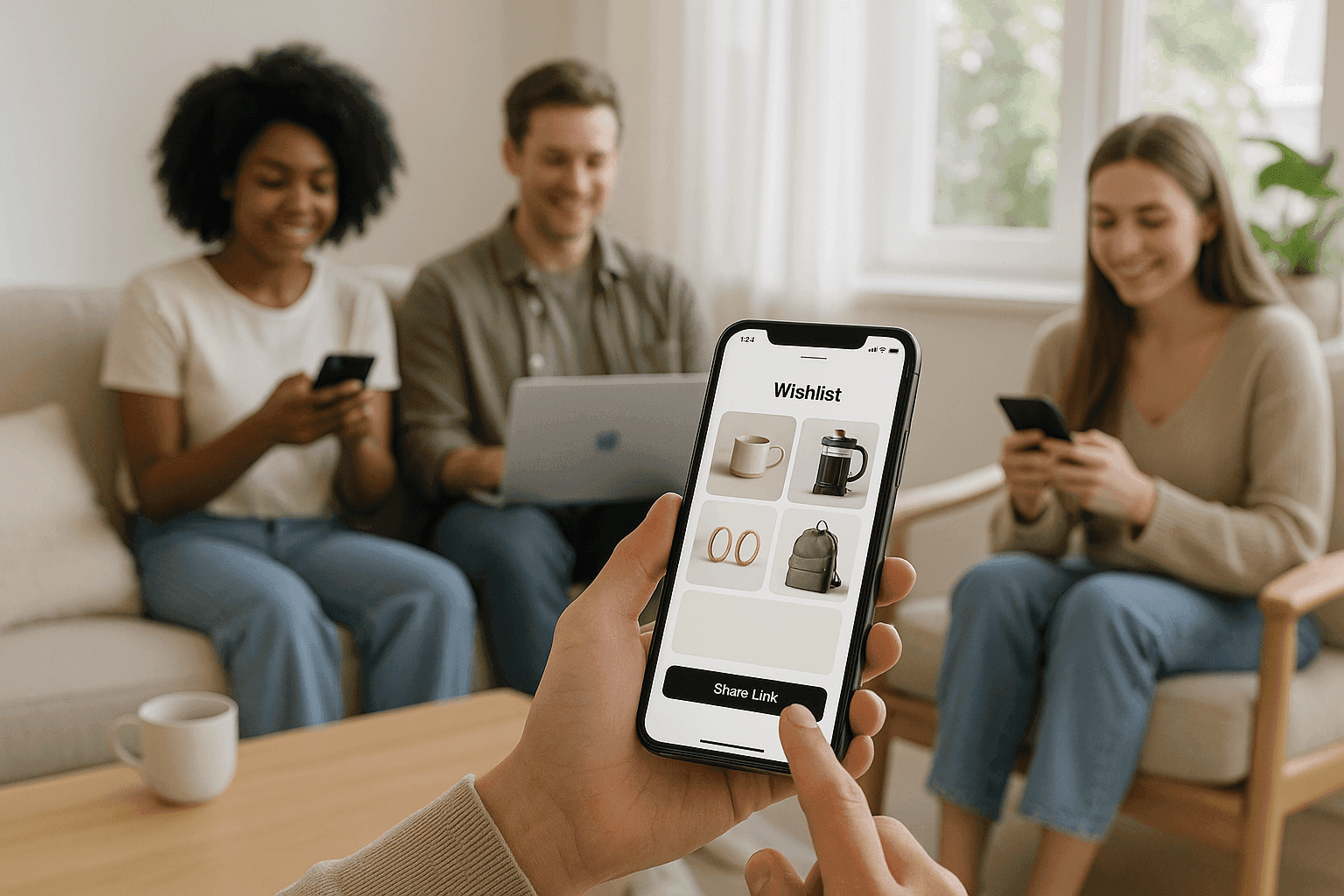
How to Share a Wishlist With One Link So Friends Can Open It Instantly
Learn how to share a wishlist with one link so friends can open it instantly, with privacy controls and gift reservations that help avoid duplicates.
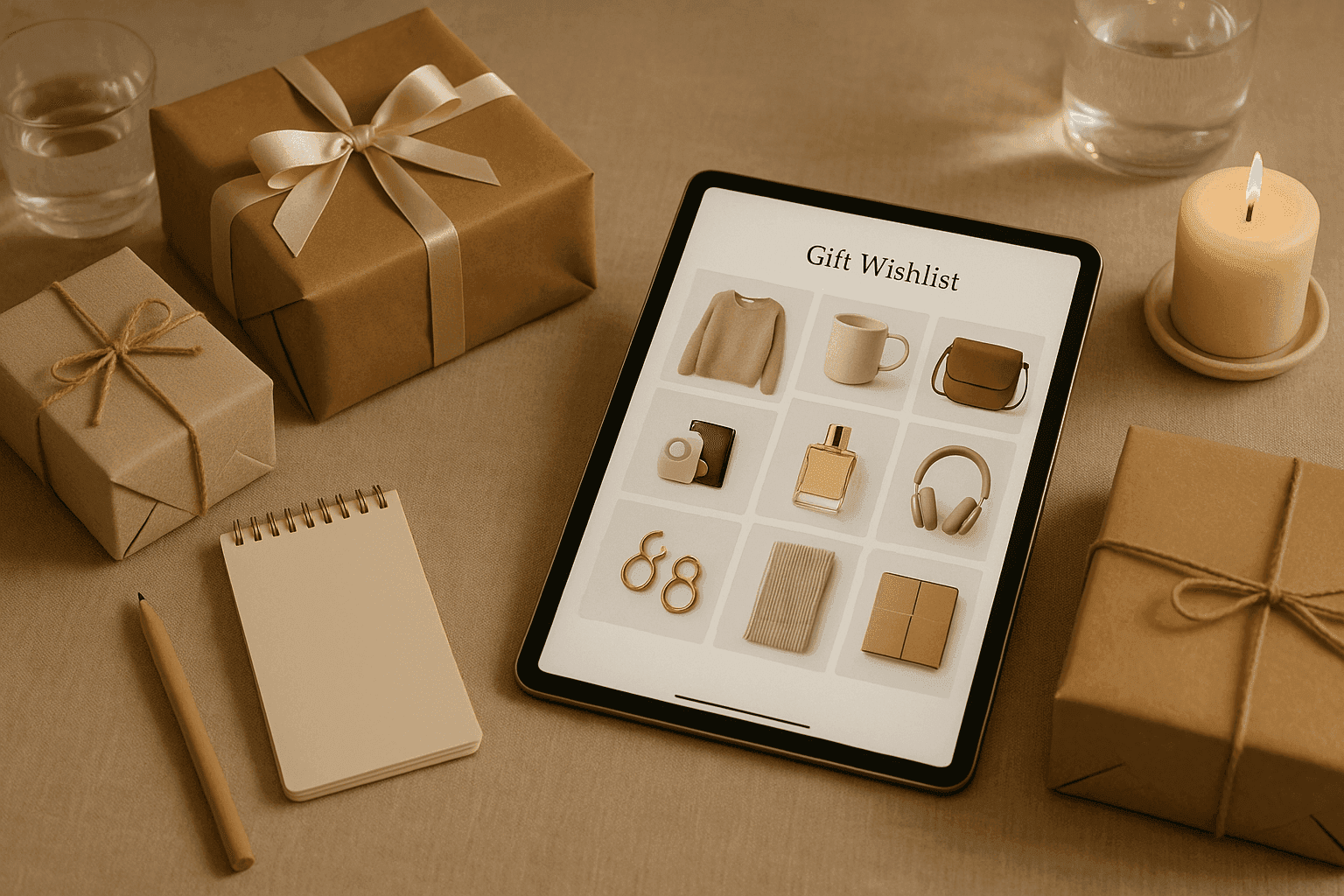
Public vs Private Wishlists: Which Visibility Setting Should You Use?
A clear guide to public vs private wishlists, with simple examples to help you choose the right visibility setting for birthdays, registries, and small-group plans.

How to Plan a Group Gift Wishlist Without Confusing the Whole Friend Group
The site says gift reservations make it safer from duplicate gifts.